
The Canon Pixma MG3650, a model commonly used by individuals, does not have a dedicated reset button. Any reset requires a specific combination of keys and sequences, documented in the official Canon manual for the MG3600 series. Before starting the procedure, one point deserves attention: depending on the type of problem encountered, resetting does not solve everything, and some issues require service intervention.
Waste Ink Counter and Error 5B00: What Resetting Does Not Fix
The instinct to reset the printer in the face of a persistent error message is understandable. However, not all error codes respond the same way to a reset.
The most documented case on user forums concerns the Support Code 5B00, which indicates a full waste ink pad. Several user experiences shared on forums like Ubuntu-fr.org and CommentÇaMarche confirm that a factory reset has no effect on this error. The waste ink counter is stored in an internal maintenance area inaccessible to the user.
The only official solution for the 5B00 code remains support from Canon’s service department. Attempting to reset a Canon Pixma MG3650 in this specific case only delays the actual diagnosis and may mask a hardware problem.
Similarly, messages such as “low ink” are not cleared by resetting the settings, as specified in the online Canon manual for the MG3600 series. These alerts rely on a software counter separate from the general settings of the machine.
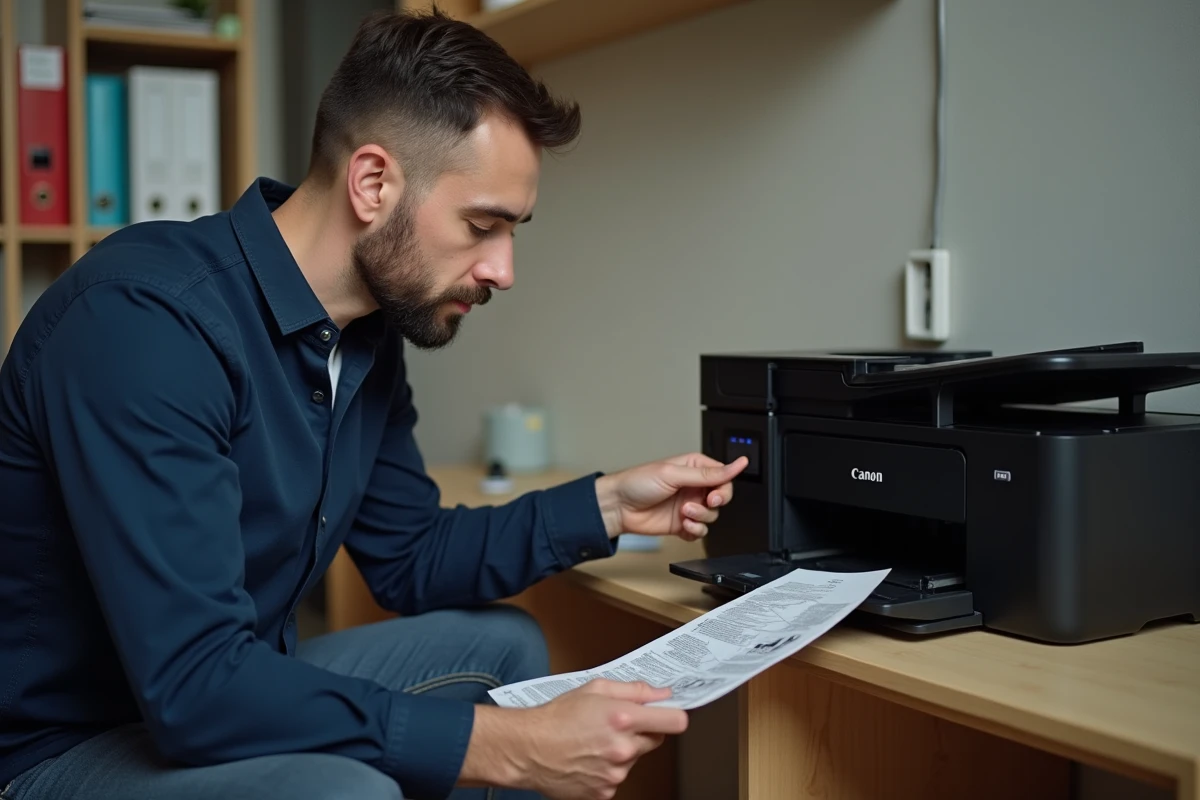
Resetting Network Settings on the Canon Pixma MG3650
The most frequently useful procedure concerns network settings. A change of internet box, a new Wi-Fi password, or a move can render the printer unreachable.
Official Canon Procedure
The Canon manual documents a specific method to reset the LAN settings of the MG3650. This operation erases the saved Wi-Fi configuration without affecting other machine settings.
A warning from the manufacturer should be taken seriously: initialization erases all network settings, temporarily making it impossible to print from a computer connected to the same network. The Wi-Fi connection must then be reconfigured, either via the installation CD-ROM or by following the instructions on the Canon website.
Difference from Complete Reset
The network reset only affects connection settings. A complete reset (known as “factory reset”) restores all settings to their original state. The Canon manual describes this second operation as follows:
- Press and hold the Stop button until the Alarm indicator blinks white exactly 21 times, then release the button
- All machine settings return to their default values, including the administrator password
- Network settings, print preferences, and quality settings are all erased
This distinction is useful: if the problem is limited to the Wi-Fi connection, a network reset alone avoids losing all other settings.
Windows Drivers and Resetting: A Common Trap
A rarely anticipated side effect concerns Windows behavior after resetting the MG3650. Since the latest versions of Windows 10 and 11, Microsoft automatically installs the “Canon Inkjet Print Utility” driver via Windows Update when a printer is detected.
Several users report that, after a reset, the generic Windows driver reinstalls and disables certain advanced options. Deep cleaning utilities, normally accessible via the full Canon driver, may thus become unavailable until the official driver is manually reinstalled.
Before resetting, it is therefore advisable to:
- Download the full Canon driver for the MG3650 from the manufacturer’s website and keep it on the hard drive
- Note the current network settings (Wi-Fi network name, security type) to speed up reconfiguration
- Check that the encountered problem is indeed listed among the cases where a reset is relevant: stuck print jobs, recurring error codes (excluding 5B00), printer not responding, network connection issues
Software or Hardware Reset: Which Type to Choose
The terms “soft reset” and “hard reset” often appear in online guides, but their scope differs significantly on the MG3650.
Software Reset
This involves turning off the printer, unplugging it from the power supply for a few minutes, then plugging it back in. This operation clears the temporary memory and may be sufficient to unblock a saturated print queue or a one-time error. No settings are erased during this operation.
Hardware Reset
This is the procedure via the Stop button described earlier (21 blinks of the Alarm indicator). It restores the machine to its factory state. This option should be reserved for situations where the software reset and network reset have not worked.
User feedback varies on the actual effectiveness of the hardware reset against persistent errors. For hardware-related codes (waste ink pad, faulty print head), the factory reset does not replace a diagnosis by service. For purely software issues (corrupted settings, inconsistent network configuration), it remains the most direct solution before fully reconfiguring the machine.
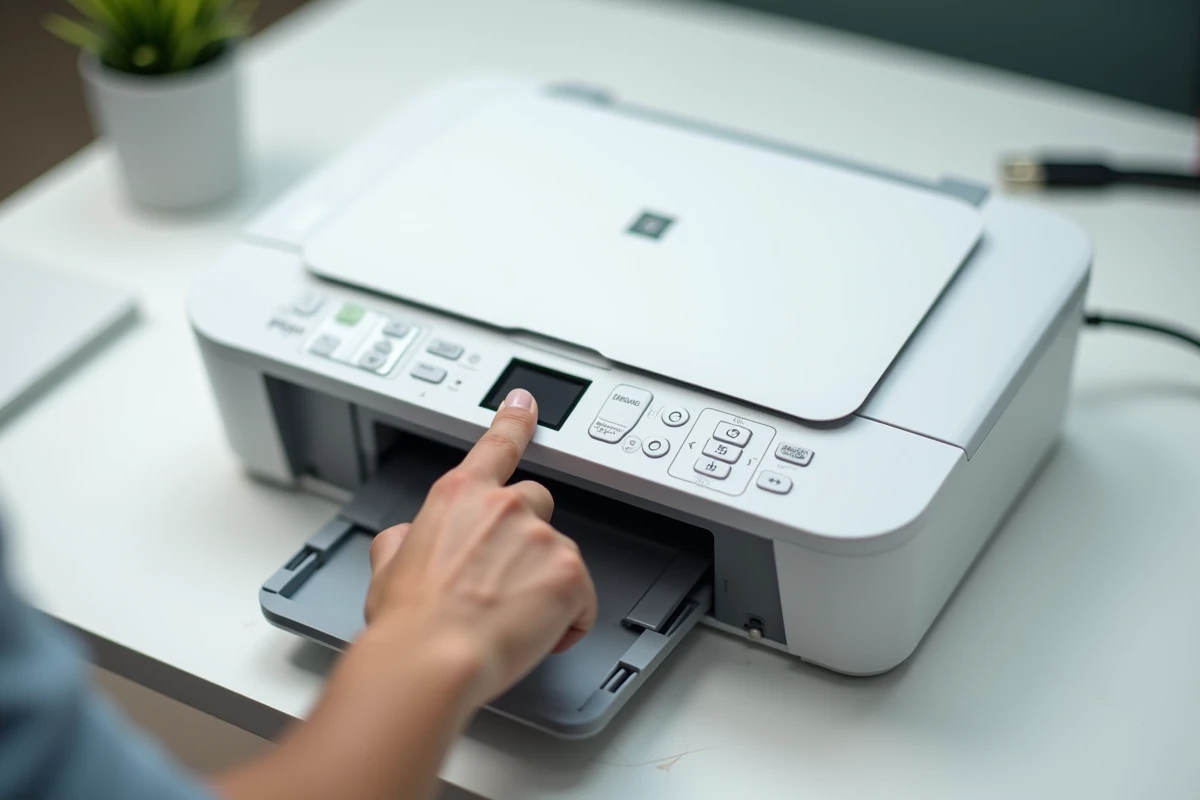
The choice between these two levels of reset depends on the observed symptom. A simple power restart resolves most temporary blockages. A complete reset only makes sense when the settings themselves seem corrupted or when the printer refuses any communication after a change in network environment.